Loading
Loading
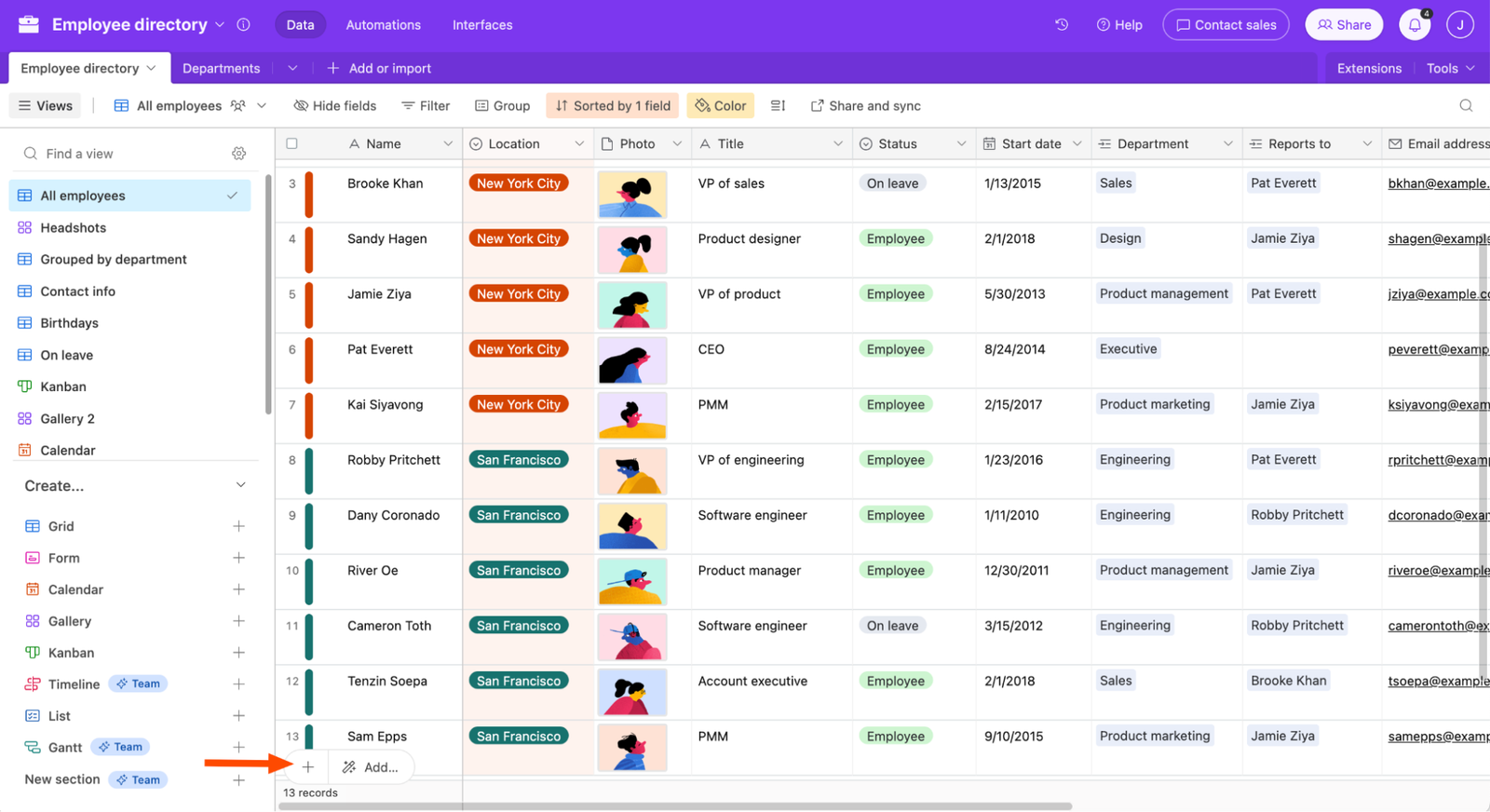
With Airtable, you can power your team’s workflow with a custom tool that works exactly the way you want. In this short tutorial video, you’ll learn how to use Airtable with five quick steps to start building anything with Airtable.

Airtable lets you import survey data, customize column types, and tag free-text comments for easier analysis.
You can filter or group records to view subsets or organize by category.
Create a Form view to collect new responses with custom questions and shareable links.
This makes coding and analyzing large survey datasets simple and scalable

Basic introduction to airtable for beginners